Database Monitoring

Achieve optimal efficiency and reliability for your data infrastructure with advanced monitoring and performance management. Proactively monitor database metrics and trends to mitigate risks and ensure business continuity.


itconductor-reviews

database-monitoring-header-graphic

Explore diverse scenarios for efficient monitoring of database management systems. Learn More →

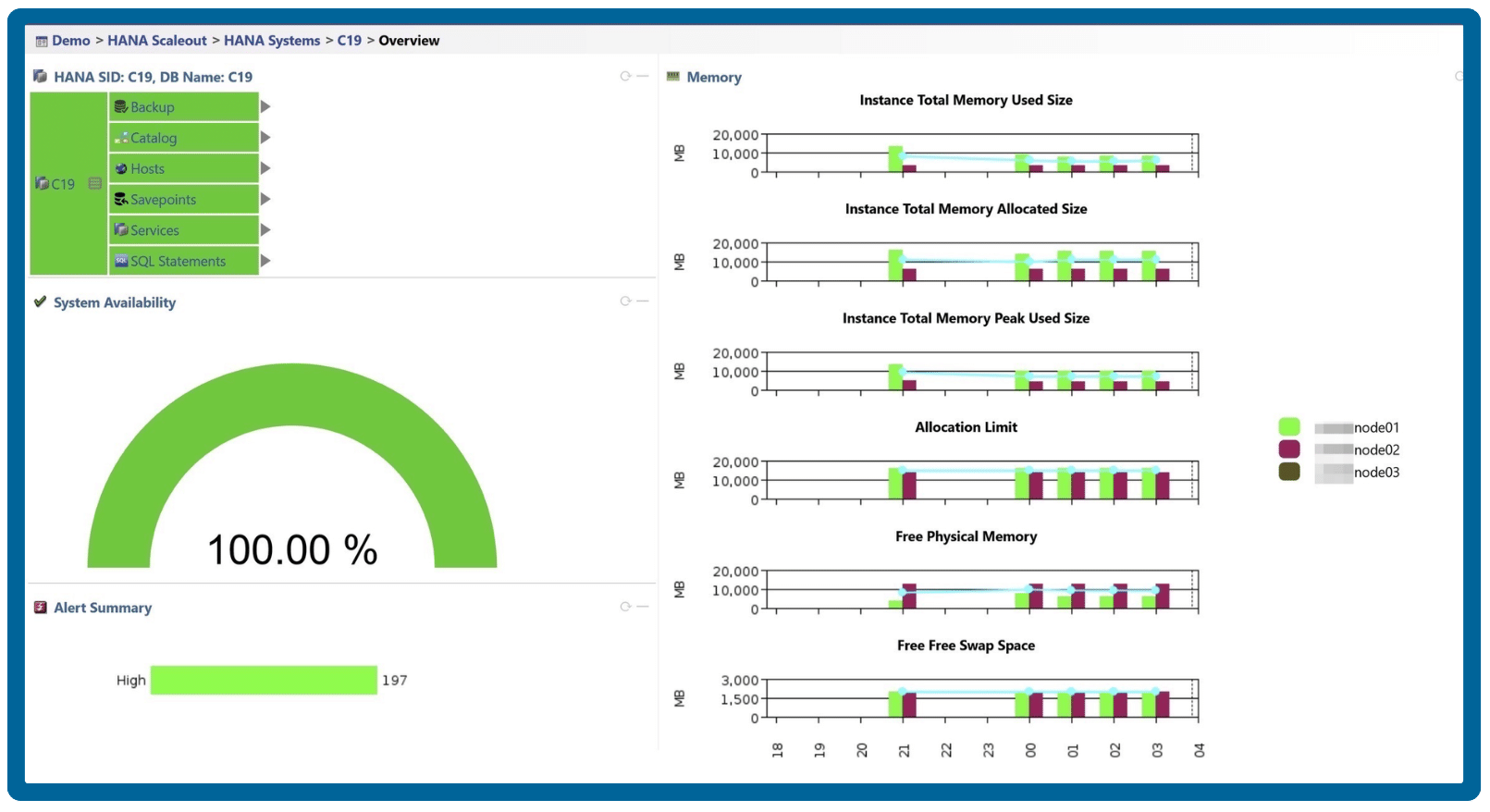
Simplified database performance monitoring and optimization

Effortlessly manage database performance and streamline operations for maximum efficiency and seamless functionality.

database-sap-hana-dashboard

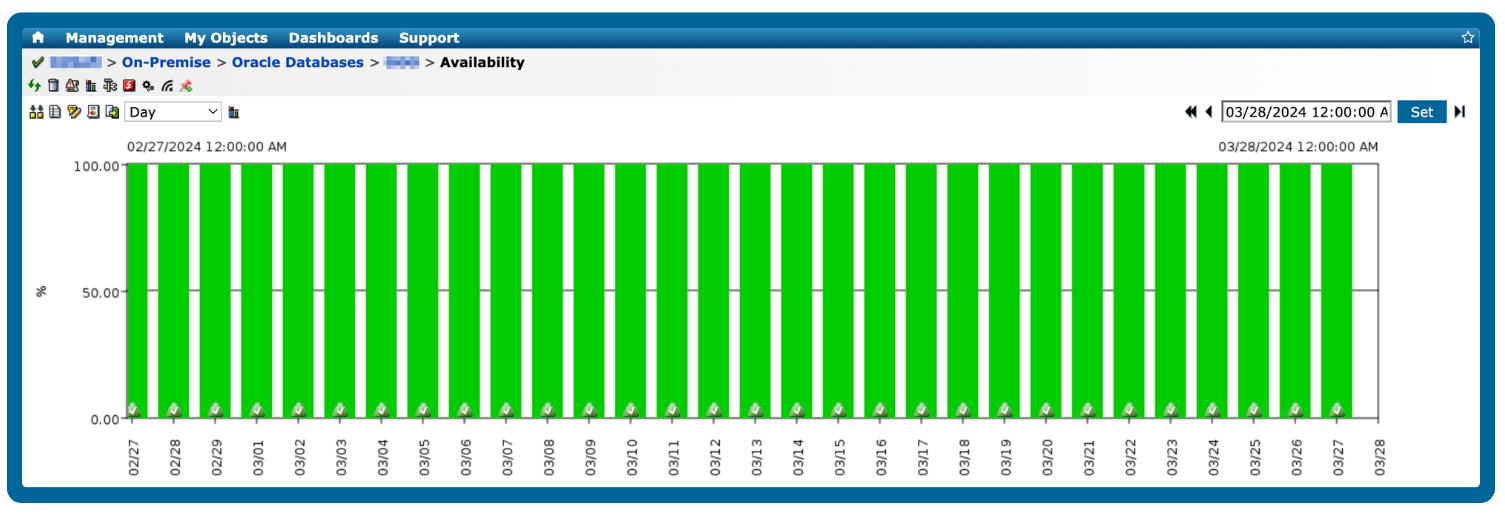
Track uptime, downtime, and database state for uninterrupted operations

Ensure your databases remain accessible and reliable to keep your applications at peak performance. Quickly identify and address potential disruptions to maintain seamless operations and continuous service. 

database-availability-historical
database-correlation

Collect, monitor, and correlate database metrics with application workload

Gather data on various aspects of database performance, such as CPU usage, memory consumption, and disk I/O, alongside other application activities. Identify patterns, trends, and potential correlations between database performance and application workloads.

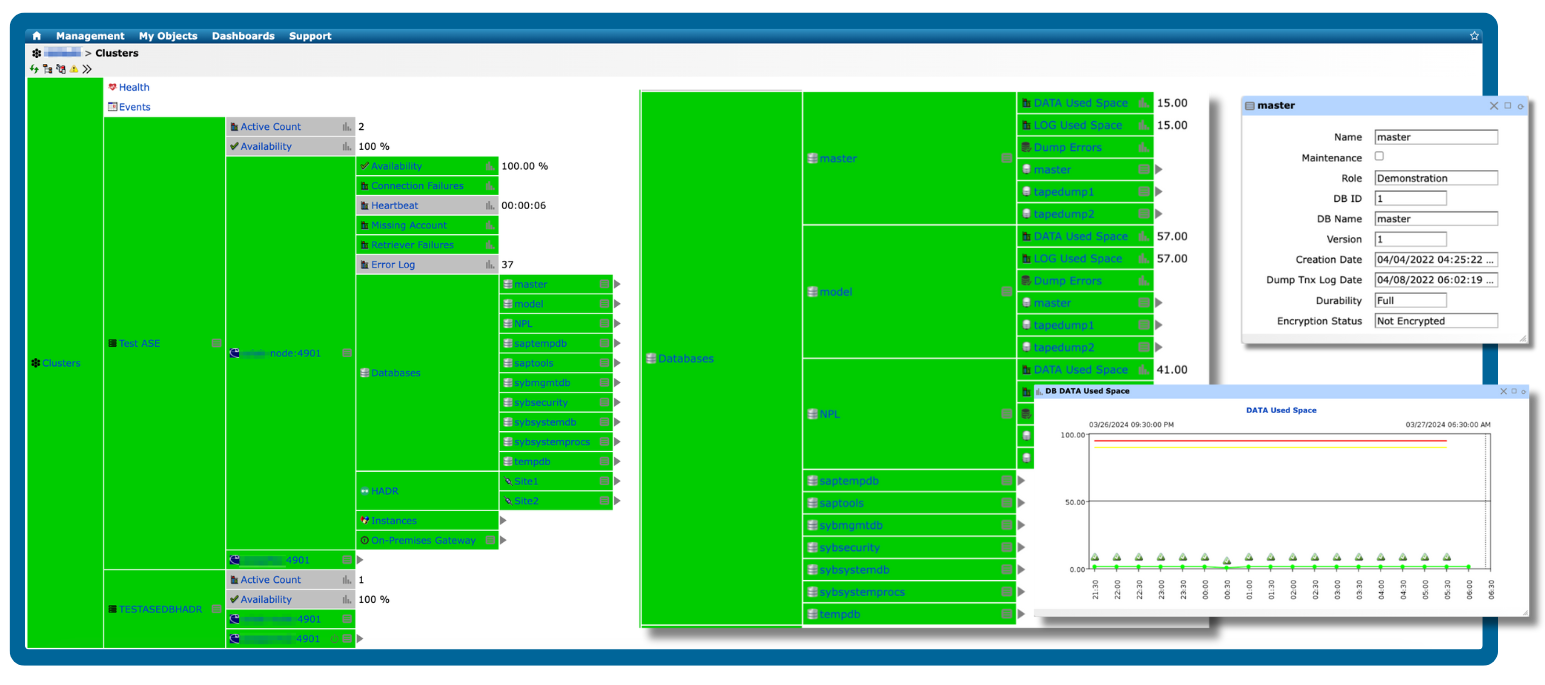
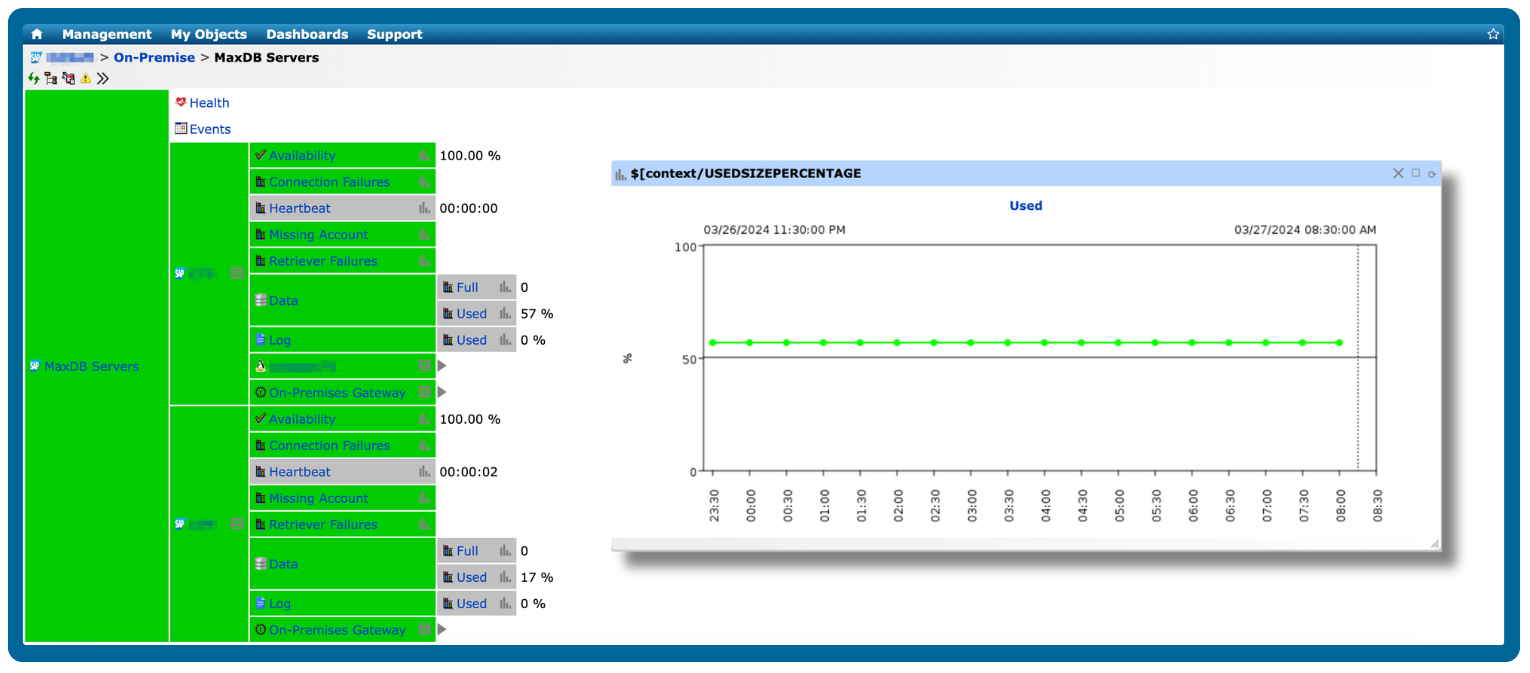
Manage database cluster environments from a single pane of glass

Simplify management of database clusters and heterogeneous system landscapes with IT-Conductor's unified interface for all SAP-supported RDBMS platforms.

database-cluster-service-grid
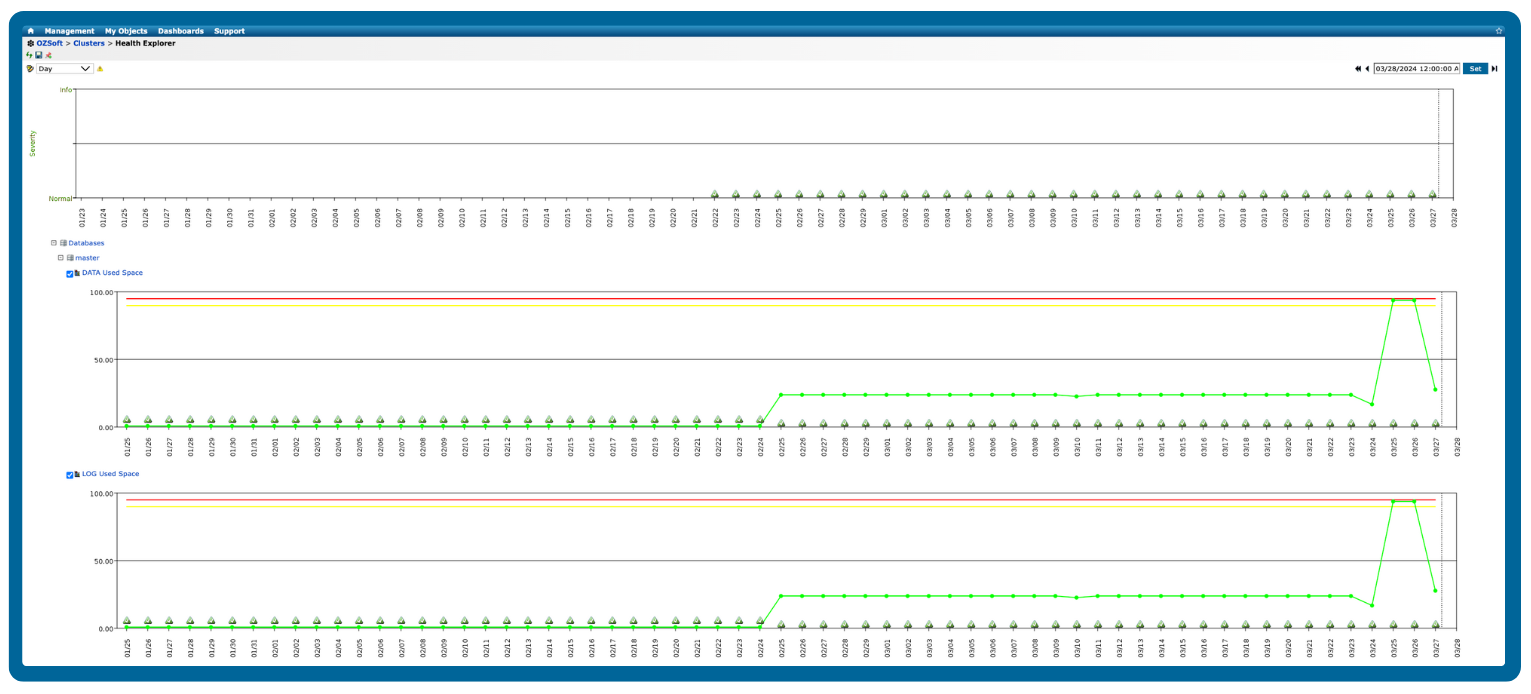
database-health-explorer

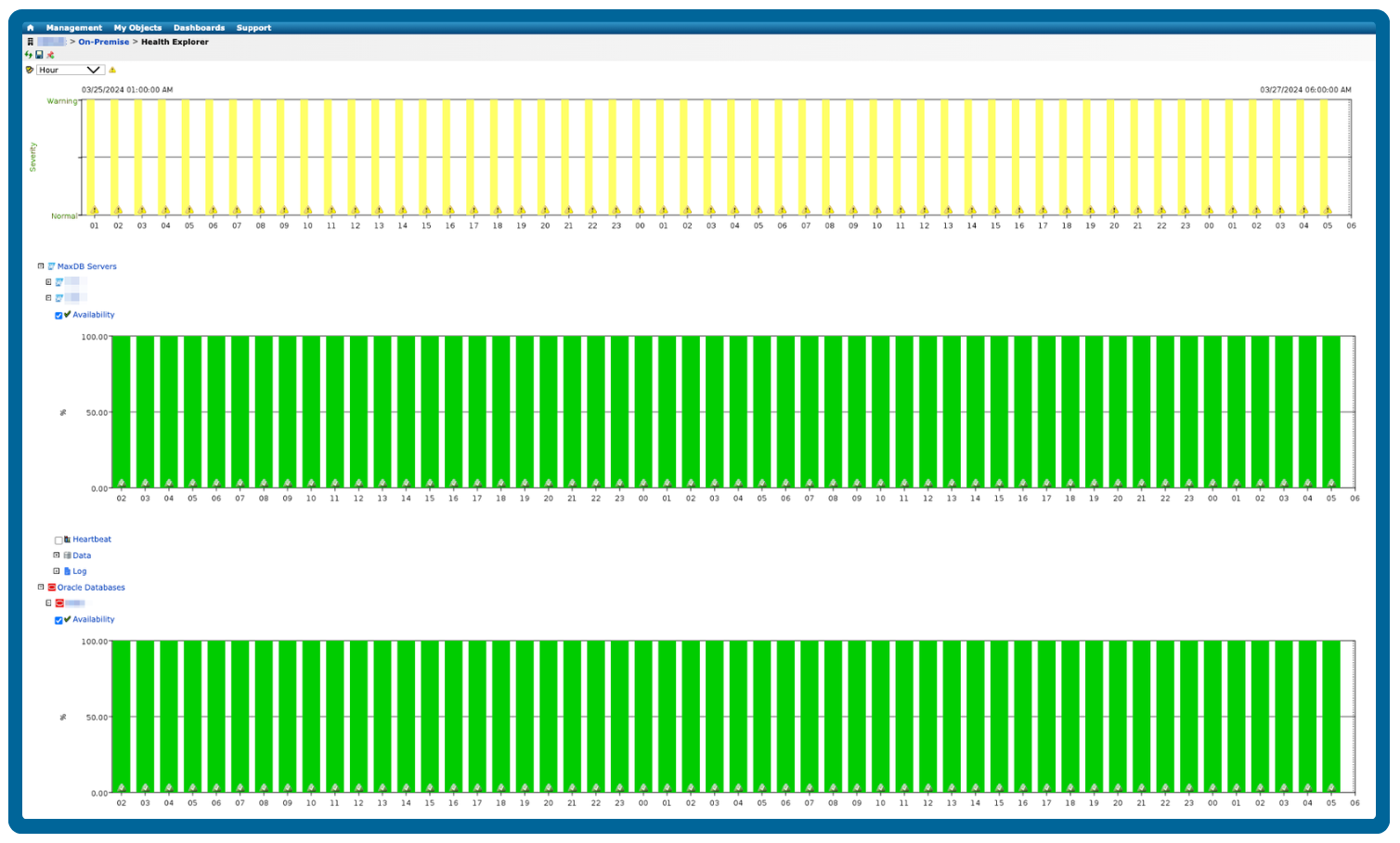
Detect, resolve, and proactively prevent performance degradation

Identify database performance bottlenecks and resolve detected issues before system performance degenerates. Look back in time across hundreds of metrics and alerts to correlate data and analyze trends, preventing potential problems before they escalate.

Maintain database integrity and protect your sensitive data

Ensure robust security for your database environment with comprehensive security monitoring. Track user access, login attempts, and data modifications in real time to prevent security breaches, data theft, and unauthorized access to sensitive information.

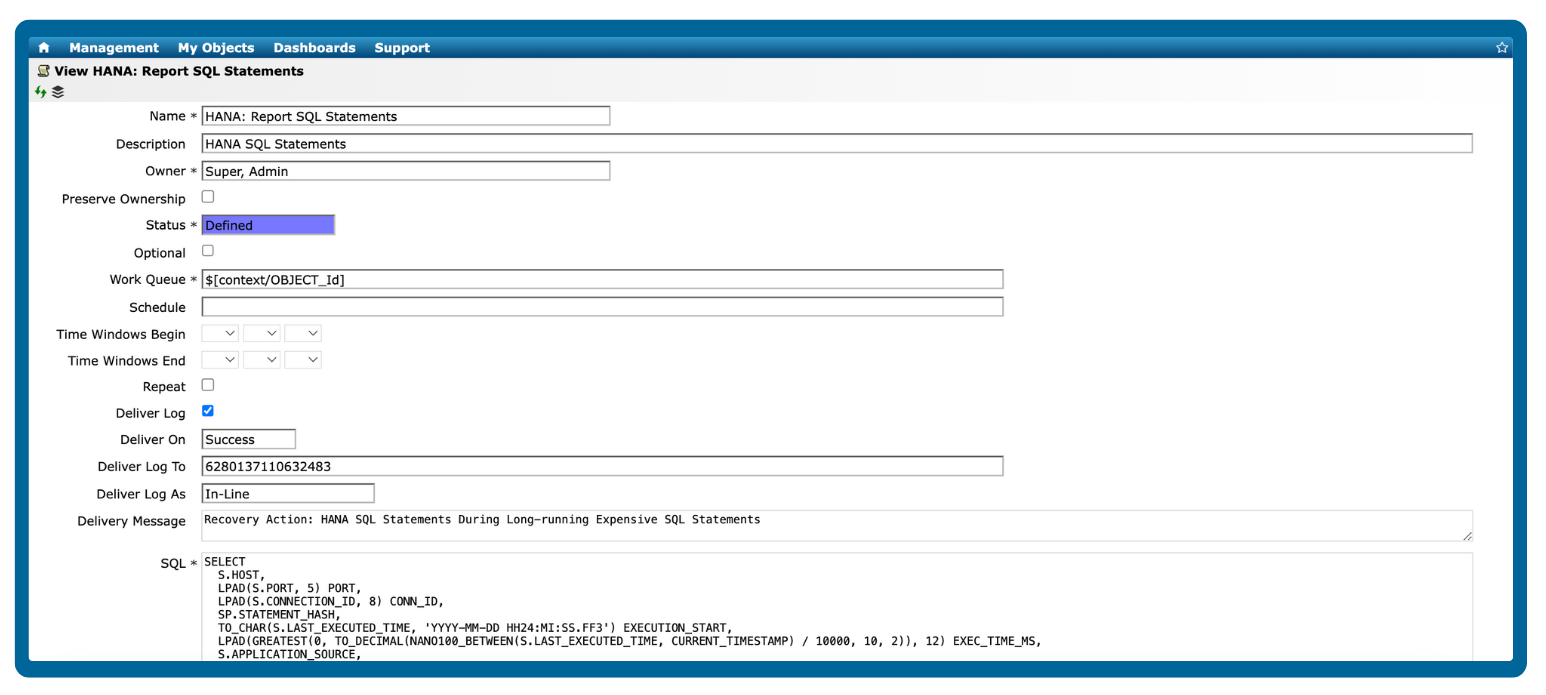
database-recovery-definition
database-data-used-service-grid

Optimize resource management and scale for organizational growth

Ensure sufficient resources to accommodate future growth as your organization expands. Forecast workload demands and maintain the flexibility to scale resources up or down based on the evolving needs of the business.

Streamline database operations with self-healing recovery actions

Utilize recovery actions to automate issue resolution based on preconfigured monitoring thresholds. Execute SAP mini-check reports or SQL queries on-demand or on schedule, enhancing overall operational efficiency and system reliability.

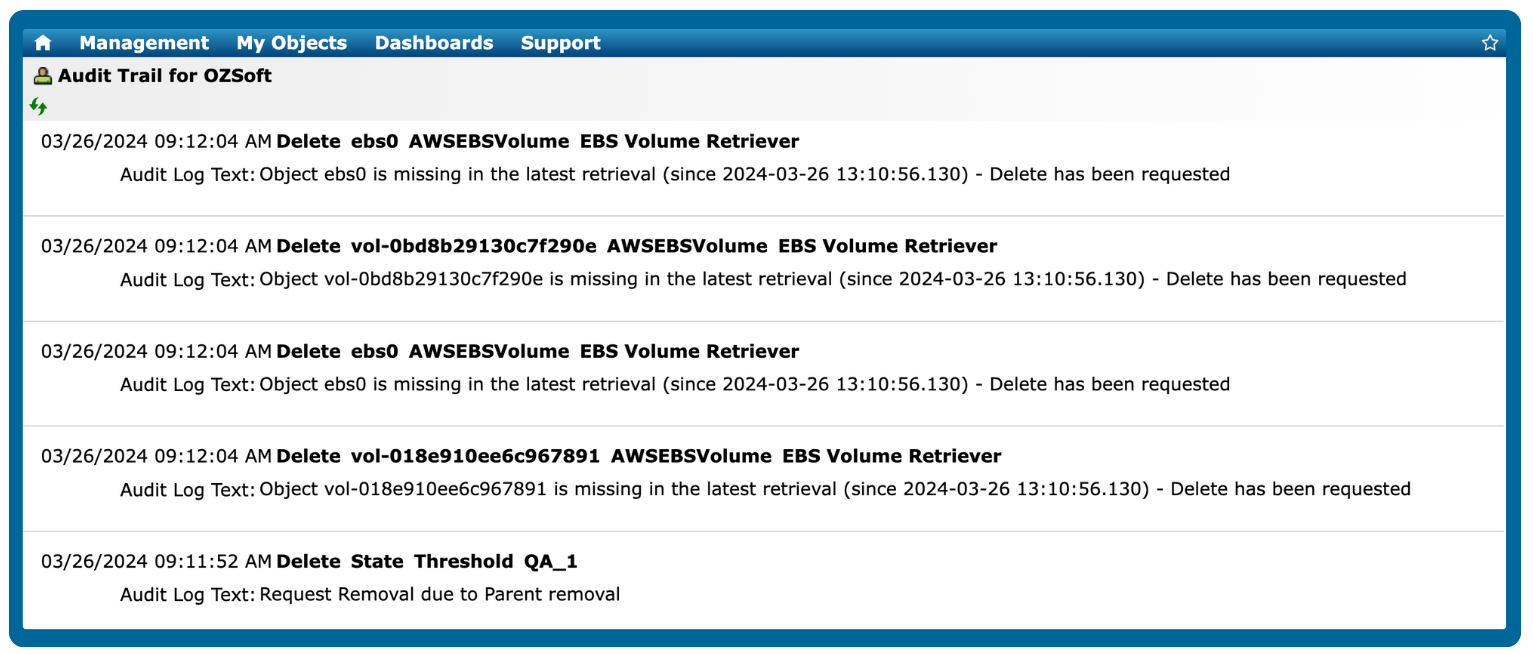
audit-logs
Blog Post

Why database monitoring should be a top priority for every IT team

Discover why database monitoring is critical for your business's success, utilizing IT-Conductor's monitoring features.


Read more

Blog Post

The role of automation in database management

Automation is reshaping database management. From routine maintenance tasks to complex data analysis, learn about its role in managing databases.


Read more

Blog Post

Advanced monitoring for cluster environments

Effectively managing and monitoring clusters demands advanced features to match the evolving complexity and scale of modern environments.


Read more

Blog Post

What's up with SAP HANA multi-tenancy?

SAP is probably responding to industry and cloud-based multi-tenancy trends, such as Oracle's 12c pluggable databases, but for most SAP customers, a cost-benefit analysis has to be done in order to justify MDC due to the additional layer of complexity while trying to simplify by going to HANA.


Read more

Trusted by leading brands worldwide

itconductor-customer-logos

Pricing

Database

$110/system

1-year plan: $99 per month
2-year plan: $88 per month
3-year plan: $82.50 per month


  • Checkmark HANA, ASE, Oracle, MSSQL
  • Checkmark OS monitoring
  • Checkmark Notifications
  • Checkmark Dashboards
  • Checkmark Reporting
  • Checkmark Automated Recoveries

Non-production

$220/system

1-year plan: $198 per month
2-year plan: $176 per month
3-year plan: $165 per month


  • Checkmark SAP Netweaver, BOBJ, and cloud apps
  • Checkmark No native DB or OS monitoring
  • Checkmark Notifications
  • Checkmark Dashboards
  • Checkmark Reporting
  • Checkmark Automated Recoveries

Production

$550/system

1-year plan: $495 per month
2-year plan: $440 per month
3-year plan: $412.50 per month


  • Checkmark SAP Netweaver, BOBJ, and cloud apps
  • Checkmark DB, OS, and cloud monitoring
  • Checkmark Notifications
  • Checkmark Dashboards
  • Checkmark Reporting
  • Checkmark Automated Recoveries

Frequently Asked Questions

What is database monitoring?

 Database monitoring is the process of continuously tracking, measuring, and analyzing the performance, availability, and health of a database system. It helps ensure that databases operate efficiently, queries run smoothly, and end-users experience reliable application performance. 

What are the best practices for setting up alerts and thresholds for databases?

Setting up effective alerts for databases ensures that performance issues are detected early and addressed before they impact applications.

Key best practices include:

  1. Set meaningful thresholds: Base alerts on historical database performance and business impact, such as triggering when CPU usage on the database server exceeds 80% for several minutes.
  2. Prioritize alerts by severity: Classify issues as critical, warning, or informational so your team focuses on the most urgent database problems first.
  3. Monitor key database metrics: Track CPU, memory, disk I/O, query response times, deadlocks, and connection pool usage to get a full picture of database health.
  4. Use dynamic or adaptive thresholds: Detect unusual database behavior by comparing metrics to normal patterns rather than relying solely on fixed limits.
  5. Correlate alerts across database components: Reduce noise by linking related events, like slow queries caused by high disk latency or blocked sessions.
  6. Automate responses when possible: Trigger actions such as clearing caches, restarting services, or scaling resources automatically to resolve common database issues.
  7. Regularly review and adjust alerts: Refine thresholds and rules based on historical trends to maintain effective and actionable monitoring.

How to determine if a database is performing poorly?

A database may be performing poorly if it exhibits slow queries, high resource usage, or frequent errors, which can impact applications and end-user experience.

Key indicators include:

  • Slow query execution: Queries take longer than usual to return results.
  • High CPU or memory usage: Consistently high resource consumption on the database server.
  • Excessive I/O or disk latency: Delays in reading or writing data to storage.
  • Connection issues: Frequent timeouts, failed connections, or blocked sessions.
  • Transaction delays or deadlocks: Conflicts that prevent transactions from completing.
  • Error logs: Increased frequency of warnings or critical errors in database logs.

Monitoring these metrics over time, correlating them with application performance, and setting thresholds for alerts can help you detect poor performance before it affects end users.

How to identify a database performance bottleneck?

Database performance bottlenecks occur when queries or transactions are slowed due to resource limitations or inefficient operations. You can identify them by monitoring and analyzing:

  • Query performance: Look for long-running or frequently executed queries that consume excessive CPU or I/O.
  • CPU and memory usage: Consistently high CPU or memory can indicate overloaded database processes.
  • Disk I/O and storage latency: Slow read/write operations can delay data access.
  • Locking and blocking: Check for sessions or transactions that are waiting on locks, causing delays.
  • Connection pool saturation: Too many simultaneous connections can exhaust resources and slow queries.
  • Index and schema issues: Missing or fragmented indexes can make queries inefficient.

How to prioritize which database issue to fix first?

When monitoring databases, not all issues have the same impact on performance or business operations.

To prioritize effectively:

  1. Assess business impact: Address issues affecting critical applications or end-user experience before less critical systems.
  2. Evaluate severity: Focus on errors that could cause downtime, data loss, or transaction failures first.
  3. Consider frequency and duration: Issues that occur repeatedly or persist for a long time should take precedence over isolated, short-lived events.
  4. Correlate with other metrics: Use monitoring data to see if an issue in one area (e.g., high disk latency) is causing cascading problems elsewhere, such as slow queries or blocked sessions.
  5. Leverage alert prioritization: Use severity levels (critical, warning, informational) from your monitoring platform to guide immediate action.
  6. Use historical trends: Problems that are trending worse over time may need urgent attention, even if the current impact is moderate.

By combining business context with technical insights, IT teams can focus on the database issues that have the greatest impact first, ensuring reliable performance and uptime.