Workflow Orchestration for IT and Business Operations
Seamlessly integrate IT and business operations with efficient workflow orchestration. Streamline processes, optimize resource management, and enhance team collaboration to increase productivity and deliver results-driven outcomes.

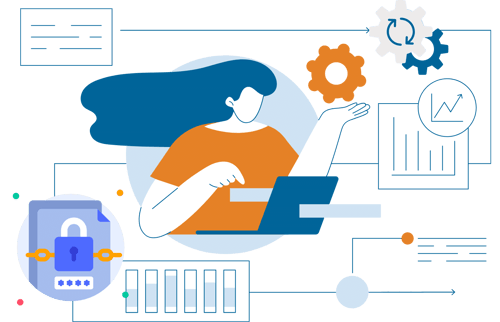
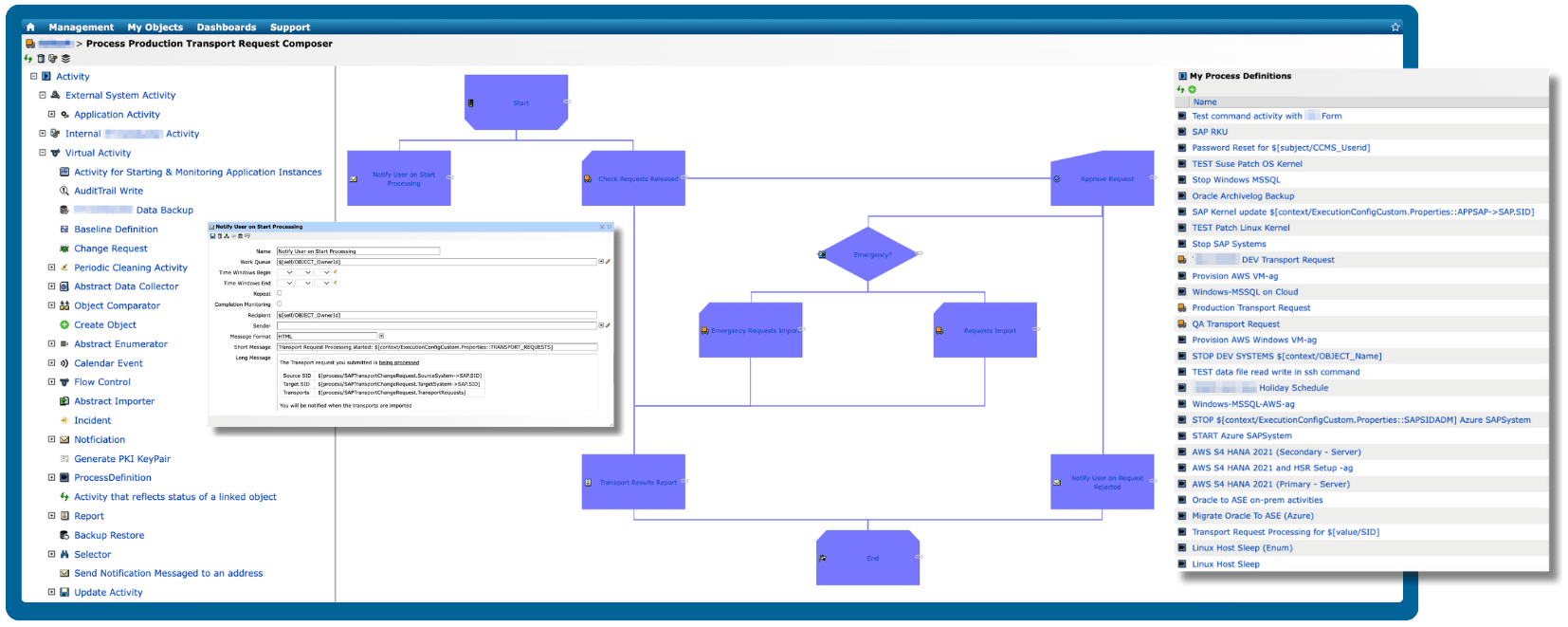
Transform complex SAP business processes into streamlined, automated, and optimized workflows. Learn More →
Accelerate digital transformation with advanced automation
Harness the transformative power of our robust automation engine to accelerate your digital innovations.
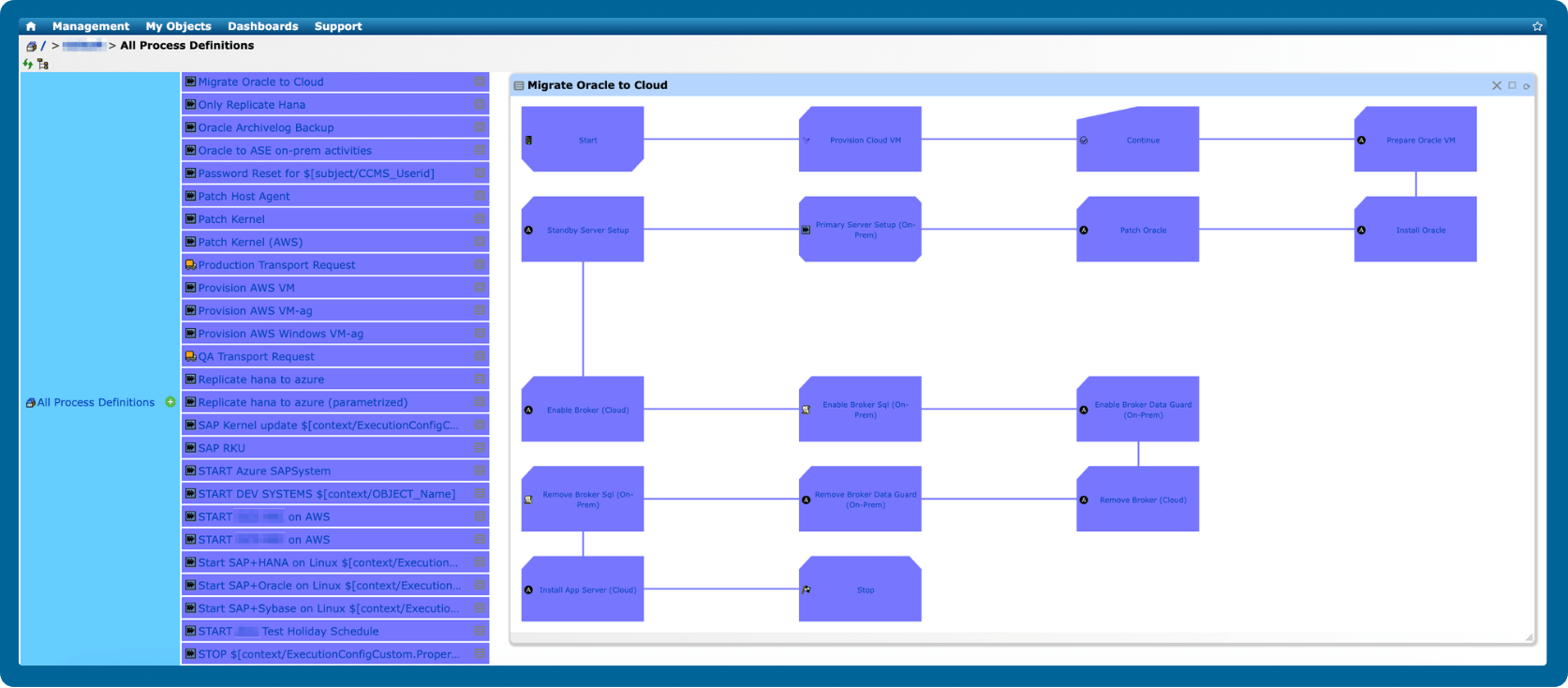
Enhance operational efficiency with centralized workflow management
Manage all your workflows in one place, making your automated solutions easily accessible when needed.
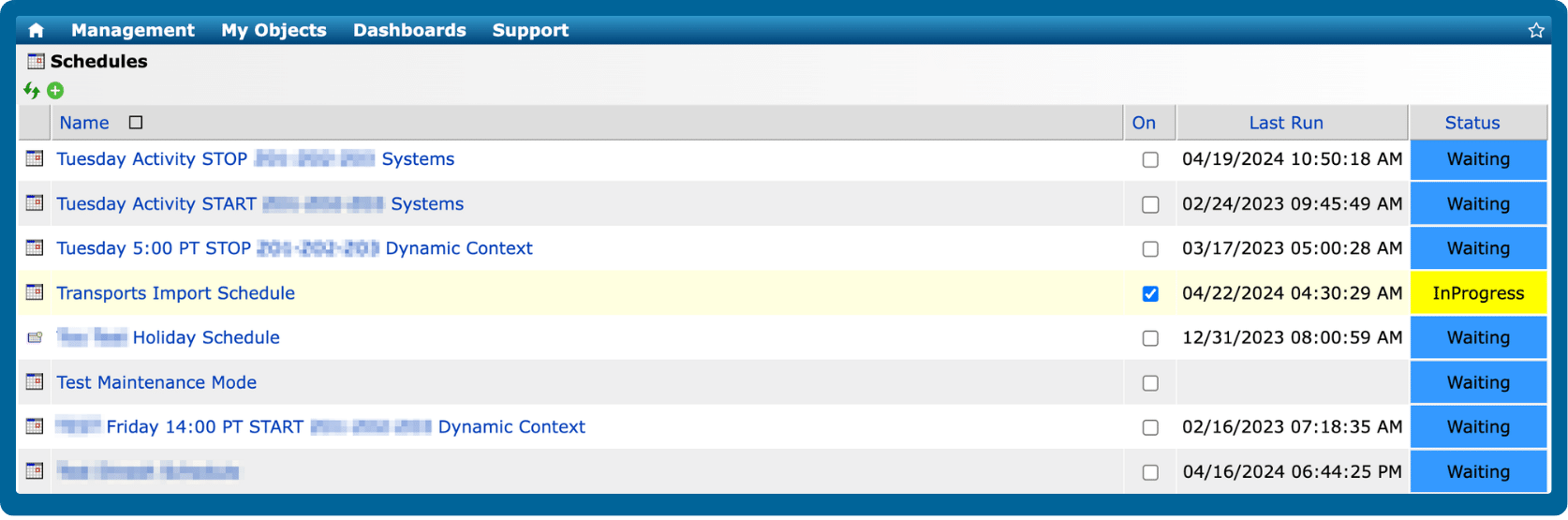
Run workflows on-demand or plan with a built-in scheduler
Easily run workflows on-demand or utilize the built-in scheduler to execute workflows at a specific time and date.
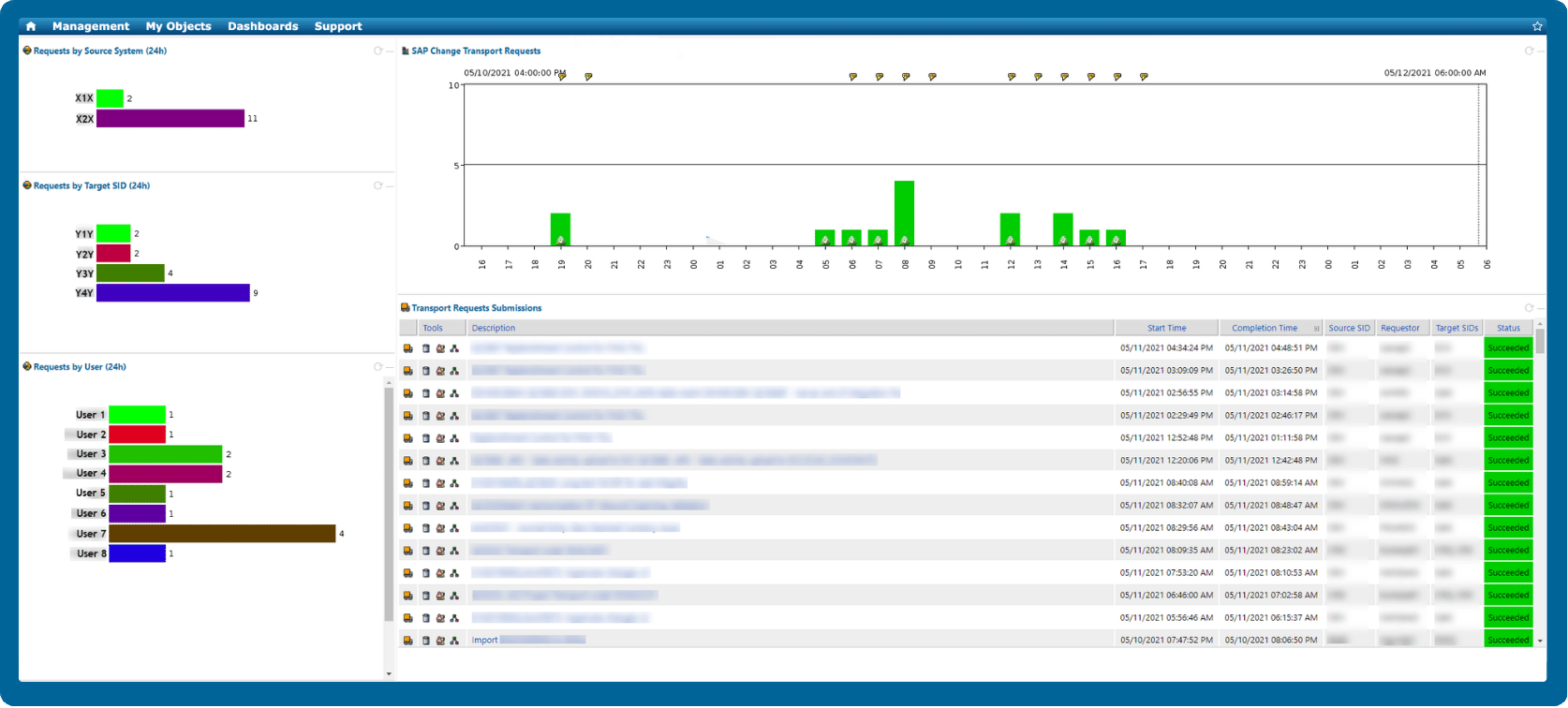
Maximize visibility and control with real-time workflow monitoring and performance insights
Leverage the platform's integrated dashboard and reporting features to get system performance insights and respond quickly when things go wrong.
Deliver end-to-end automation across your entire SAP lifecycle
Daily Operations
Free your SAP Basis teams from repetitive maintenance activities through intelligent automation and proactive monitoring. Explore SAP Basis Automation.
SAP Transport Management
Automate transport requests with IT-Conductor ChAI™ for faster workflows, reduced risk, and complete visibility into every change.
System Refresh
Streamline the SAP system refresh process with workflow orchestration and IT-Conductor FLUX™ handling SAP post-copy automation.
SAP Upgrades and Migrations
Gain complete visibility into every SAP upgrade and migration phase with IT-Conductor SUMMon™, which integrates with SAP SUM to centralize monitoring, progress tracking, and issue detection.
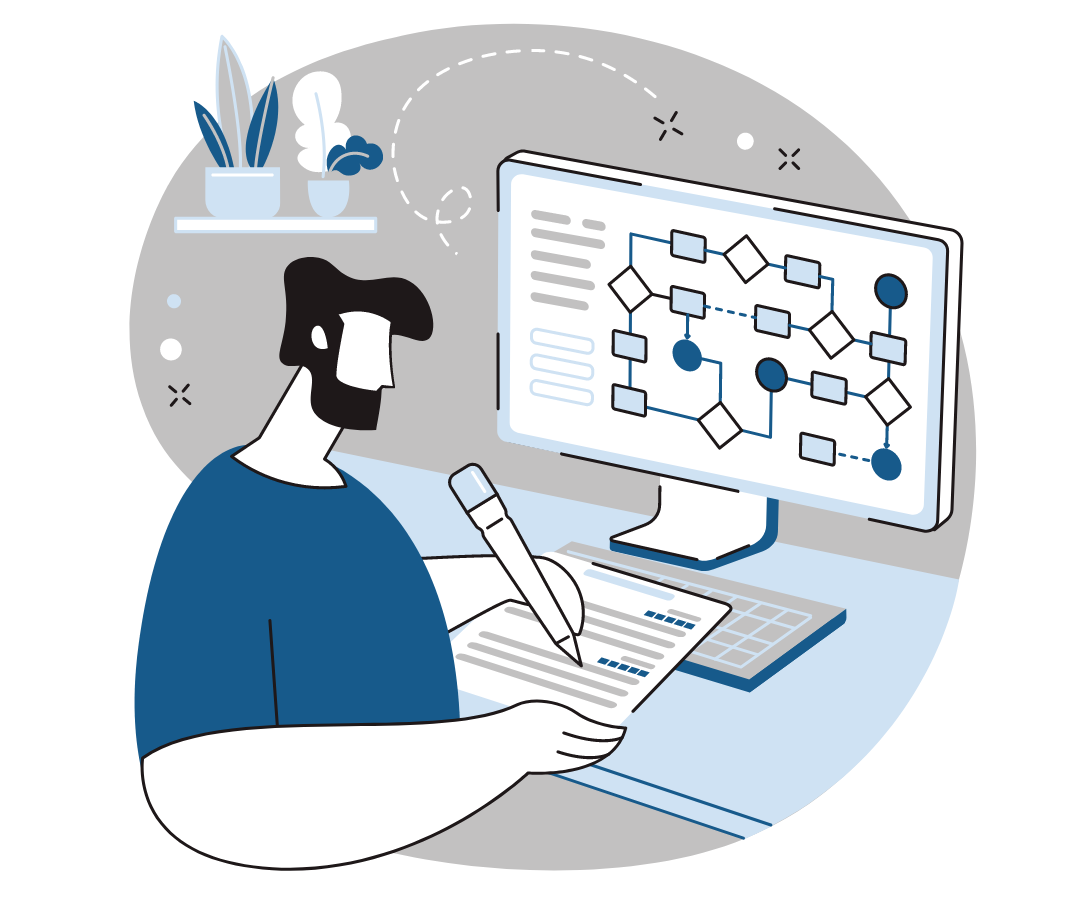
Standardize resource provisioning across cloud and hybrid environments
Provision, configure, and deploy infrastructure and application resources automatically across cloud and hybrid environments. Eliminate manual setup, reduce errors, and ensure consistent deployments using reusable, policy-driven automation.

Automation vs. orchestration: Which one should you choose?
Automation is often seen as the ultimate solution to eliminating repetitive tasks and enhancing efficiency. However, processes typically involve multiple interdependent tasks that don’t operate in isolation. This is where orchestration comes into play.
Cloud orchestration 101: How it works and how IT-Conductor fits in
Businesses increasingly rely on cloud infrastructure to run critical applications and services. However, managing complex cloud environments — especially when juggling public, private, and hybrid clouds — can quickly become overwhelming.
Trusted by leading brands worldwide

Frequently Asked Questions
What is workflow orchestration?
Workflow orchestration is the process of coordinating and automating multiple tasks, systems, and processes to work together efficiently toward a specific outcome. Instead of managing each step manually or in isolation, orchestration ensures that every part of a workflow — whether in IT operations, business processes, or cross-department activities — runs in the right order, at the right time, and with minimal human intervention.
How does workflow orchestration differ from simple task automation?
Simple task automation focuses on executing individual, repetitive actions. For example, restarting a service, sending notifications, or running scripts on demand. Each task operates in isolation and typically requires manual coordination with other systems or steps.
Workflow orchestration, on the other hand, connects and coordinates multiple automated tasks across systems, applications, and teams. It defines dependencies, execution order, and conditional logic so that processes can run end-to-end without manual intervention. This enables complex, multi-step workflows, such as provisioning resources, deploying applications, or processing business requests, to execute seamlessly and consistently across the entire IT or business environment.
Read this blog post to know when to choose one over the other.
What are the best practices for implementing workflow orchestration across IT and business teams?
To successfully implement workflow orchestration across IT and business functions, consider these best practices:
- Map end-to-end processes before automating – Identify key workflows that span multiple systems or departments. Understanding dependencies and inputs ensures smooth orchestration.
- Start with high-impact, repetitive processes – Prioritize workflows that consume the most time or are prone to human error, such as incident resolution, approval chains, or system provisioning.
- Standardize workflow design and governance – Use a centralized orchestration platform to maintain consistency, enforce policies, and prevent siloed automation efforts.
- Integrate with existing tools and data sources – Connect orchestration with monitoring, ITSM, and business systems to ensure seamless data flow and end-to-end visibility.
- Implement role-based access control (RBAC) – Maintain security and compliance by defining who can create, modify, or execute workflows.
- Enable collaboration between IT and business users – Use low-code or no-code interfaces that allow non-technical users to contribute while maintaining IT oversight.
- Continuously monitor and optimize – Track performance metrics, identify bottlenecks, and refine workflows based on feedback and evolving business needs.
By following these practices, organizations can achieve scalable, secure, and adaptable orchestration that bridges IT operations and business outcomes.
Can workflow orchestration support business users, not just IT teams?
Yes. Modern service orchestration and automation platforms are designed to support both technical and non-technical users. Business teams can use orchestration to automate repetitive tasks, approvals, and data workflows without needing to code, while IT maintains governance and integration across systems. This empowers departments like finance, HR, and customer service to streamline operations while staying aligned with IT policies and processes.