SAP HANA Monitoring
Solution Manager 7.2 SAP Monitoring - Part 4 (S/4HANA Monitoring)
SAP Solution Manager 7.2 SAP Monitoring Part 4 of 4 (S/4HANA Monitoring)
Learn how to choose the right SAP monitoring tool, avoid common pitfalls, and use service orchestration and automation to streamline SAP monitoring.
Choosing the right SAP monitoring tool is not as straightforward as it may seem. Many SAP customers assume there’s a single obvious solution, but history shows otherwise. From the mainframe R/2 days to today’s SAP HANA and cloud environments, the question “What SAP monitoring tool should we use?” still sparks long, varied responses.
Often, IT teams rely on different tools for different tasks — one for infrastructure, another for applications, and yet another for performance or automation. This fragmented approach reflects the complexity of modern SAP landscapes, where multiple environments and stakeholders must be managed at once.
That’s why the “obvious” choice isn’t obvious at all. This post guides you on how to choose the right SAP monitoring tool for your enterprise, covering:
The key factors to consider when choosing the right SAP monitoring tool for your enterprise
The most common pitfalls of fragmented monitoring solutions and how they impact IT teams, and
How service orchestration and automation streamline SAP monitoring
Choosing the right SAP monitoring tool starts with knowing what really matters. While every enterprise has unique requirements, certain considerations consistently determine whether an SAP monitoring solution will deliver long-term value. Below, we’ve outlined the most important factors IT teams should evaluate to avoid common pitfalls and choose a tool that supports performance, scalability, and automation.
Ease of implementation and maintenance is a critical factor when choosing an SAP monitoring tool. IT teams should consider the effort, skills, and resources required for installation, configuration, deployment, and ongoing maintenance — whether the environment is on-premise, cloud, or hybrid. A solution that is simple to set up and manage reduces overhead and ensures faster adoption.
Availability and Service Monitoring ensure that SAP systems, applications, and supporting infrastructure remain consistently accessible and reliable for end users. Beyond just system uptime, service monitoring validates that critical business processes and services are running as expected. Even brief downtime or service degradation can disrupt operations, impact productivity, and lead to financial losses. An effective monitoring tool should deliver real-time visibility into both availability and service performance, while proactively detecting issues before they affect end users.
Effective SAP monitoring depends on both the performance metrics being tracked and the methods used to collect them. Common approaches include agents, web services, APIs, and native calls. When evaluating a monitoring tool, IT teams should consider the reliability of these collection methods, whether the system provides self-monitoring of data collection status, and the overall impact on the performance footprint.
Threshold management is the process of defining and tuning performance limits that trigger alerts in SAP monitoring. Effective thresholds ensure that IT teams are notified when metrics exceed acceptable ranges — without being overwhelmed by false alarms. Poorly set thresholds can either flood teams with noise or miss critical issues that impact system health and business continuity. A reliable SAP monitoring tool should make it easy to configure, adjust, and automate thresholds across diverse environments.
Alerts and notifications management is the process of defining how SAP monitoring tools notify IT teams about issues, performance degradation, or outages. An effective alerting system helps teams respond quickly to problems without being overwhelmed by noise. The goal is to balance timely, actionable alerts with clear escalation paths so that critical issues are never missed while minor ones don’t cause alert fatigue. Modern SAP monitoring solutions often provide flexible delivery methods, from email and SMS to chat and ITSM integrations.
Recovery actions and automation capabilities define how an SAP monitoring tool responds when issues are detected. Instead of only alerting IT teams, advanced solutions can automatically trigger corrective actions, such as restarting a service, reallocating resources, or executing predefined scripts. This reduces downtime, speeds up recovery, and minimizes manual intervention. By combining monitoring with automation, enterprises can achieve faster response times and ensure more resilient SAP operations.
Reporting and analytics provide the visibility IT and business teams need to understand SAP system health, performance trends, and compliance. A strong SAP monitoring tool should not only collect metrics but also transform them into actionable insights through dashboards, scheduled reports, and predictive analytics. Effective reporting helps IT teams identify recurring issues, track SLAs, and demonstrate value to business stakeholders, while advanced analytics can reveal patterns that support capacity planning and continuous improvement.
Reliable vendor support and comprehensive documentation are critical for ensuring smooth operations and reducing downtime during issues or implementation challenges. High-quality support should be responsive, available in multiple channels, and staffed by experts familiar with both the technology and the customer’s environment. Clear, up-to-date documentation, knowledge bases, and training resources also play a key role in enabling teams to self-solve problems, accelerate onboarding, and maximize tool usage.
Using multiple tools for different SAP systems, applications, and infrastructure can create challenges for IT teams. Data silos, duplicate alerts, and inconsistent visibility make it harder to detect and resolve issues quickly. Understanding the common pitfalls of fragmented monitoring helps organizations identify gaps, reduce operational overhead, and improve system reliability.
Service orchestration and automation connect SAP systems, processes, and teams into a unified monitoring workflow. They reduce the complexity of managing multiple tools by automating routine tasks, triggering proactive alerts, and executing recovery actions automatically. This approach helps IT teams detect issues faster, resolve problems more efficiently, and maintain consistent visibility across applications, infrastructure, and business services.
Key benefits include:
Faster root-cause analysis and issue resolution
Reduced downtime and improved system reliability
Streamlined monitoring across multiple SAP environments and business services
Choosing the right SAP monitoring tool requires understanding that no single solution is perfect. Some tools focus on monitoring only one type of system, others cover just a single system, and some provide a limited set of functionalities while leaving gaps in others. Inevitably, there will be compromises, but the goal is to make the most informed choice based on your enterprise’s needs, priorities, and resources.
Some tools are designed just to monitor one type of system, some just to monitor one system, some will provide a handful of functionality, but not others. Inevitably, there will be some compromises, but make the best-informed one.
To help guide your decision:
Explore vendor resources and SAP documentation to get an overview of available tools.
Test tools where possible to see how they perform in your environment.
Compare features, coverage, and flexibility to ensure the solution aligns with your monitoring and automation goals.
Remember: Hands-on experience and research are often the best ways to understand what works in your organization versus what exists in the broader market.
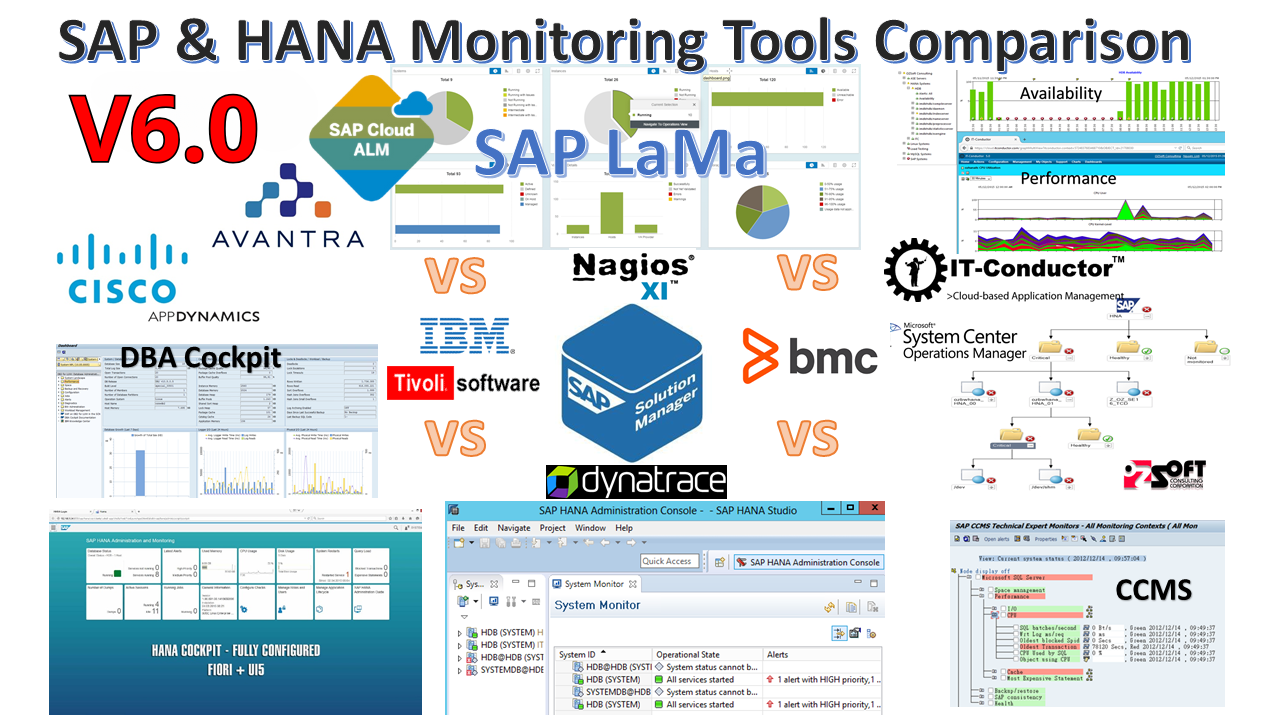
The SAP & HANA Comparison Matrix is a must-have resource for organizations seeking to optimize their SAP monitoring strategy. It provides a clear side-by-side comparison of key features, capabilities, and coverage of leading monitoring tools. You can use it to quickly identify the solutions that best match your enterprise requirements and make informed, confident decisions.

SAP Solution Manager 7.2 SAP Monitoring Part 4 of 4 (S/4HANA Monitoring)
SAP Monitoring by IT-Conductor now available on AWS Marketplace to instantly save customers up to 90% of time & cost of monitoring SAP
SAP PI Monitoring and SAP PO Monitoring as part of Monitoring SAP Java